No-Code AI: Build Powerful Tools Without Writing Code
Introduction
Building with AI used to mean one thing: you needed to code.
Not anymore.
Today, no-code AI tools are making it possible for anyone—marketers, founders, analysts, and creators—to build powerful AI-driven applications without writing a single line of code.
From automating workflows to building chatbots and internal tools, the barrier to entry has dropped dramatically.
You don’t need to be a developer to build with AI—you just need to understand the problem.
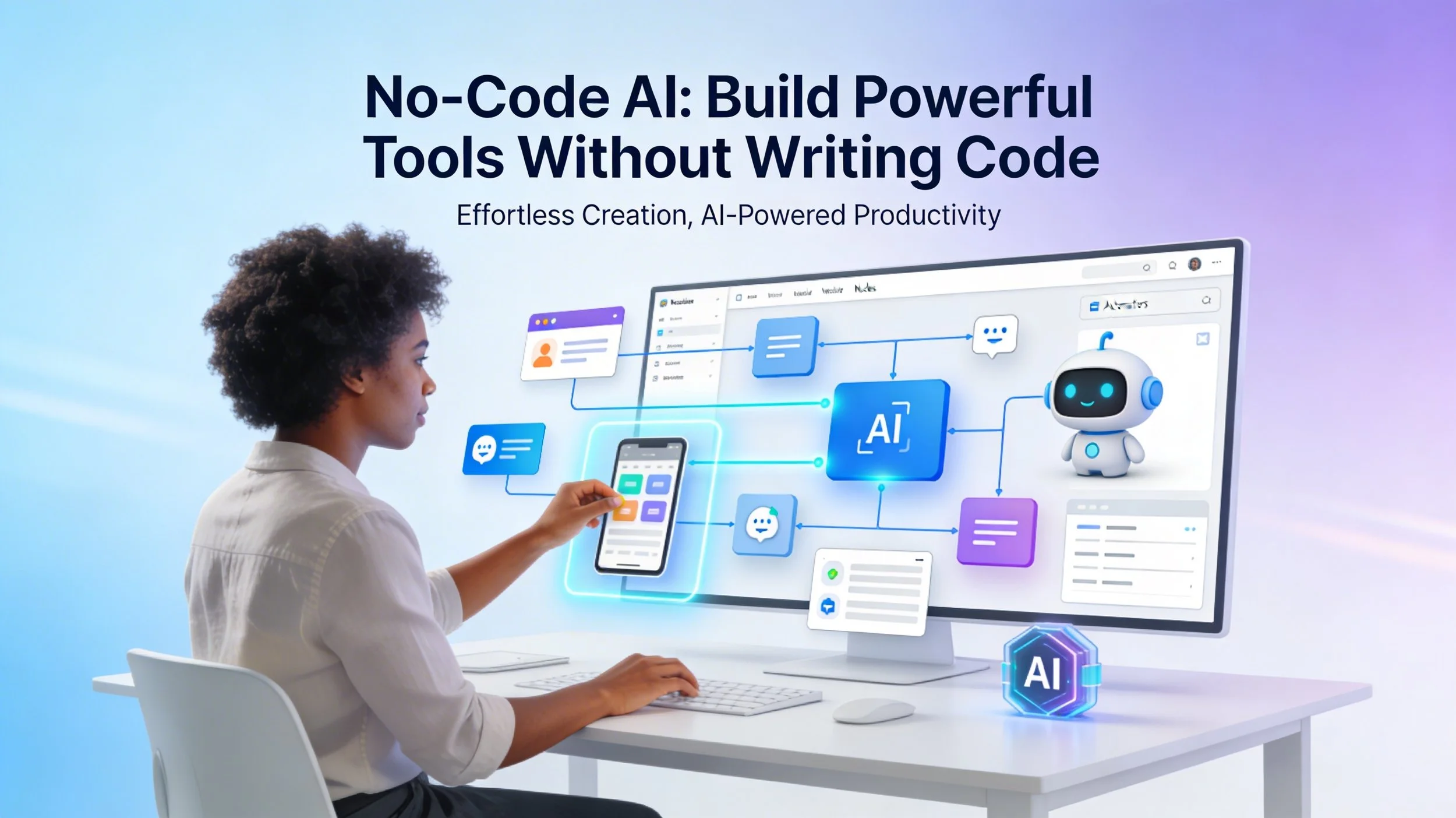
What Is No-Code AI?
No-code AI refers to platforms that allow you to:
Build AI-powered applications
Automate workflows
Connect tools and data
Deploy solutions
…all through visual interfaces, drag-and-drop builders, and simple configurations.
Instead of coding logic manually, you:
Define inputs
Configure actions
Connect tools
Set rules
Why No-Code AI Is Growing Fast
Several factors are driving this shift:
1. Speed
You can build in hours what used to take weeks.
2. Accessibility
Non-technical users can now create real solutions.
3. Cost Efficiency
Less reliance on engineering teams for basic tools.
4. Rapid Experimentation
Test ideas quickly without heavy development cycles.
What You Can Build Without Code
No-code AI is not limited to simple projects. You can build:
AI Chatbots
Customer support bots
Website assistants
Internal helpdesk tools
Workflow Automations
Lead processing
Email responses
Data syncing between tools
Content Generators
Blog posts
Social media content
Product descriptions
Internal Tools
Knowledge assistants
Reporting dashboards
Document summarizers
AI Agents (Yes, Even This)
With advanced platforms, you can:
Create multi-step workflows
Connect APIs
Automate decision-making
Popular No-Code AI Tools
Here are some widely used platforms:
Zapier (with AI integrations)
Make (formerly Integromat)
Bubble
Notion AI
Airtable + AI
Flowise / Langflow (low-code visual builders)
Each tool serves different needs—from automation to full app development.
How No-Code AI Works (Simple Flow)
Most no-code AI tools follow a similar pattern:
Trigger – Something happens (e.g., new email, form submission)
Process – AI analyzes or generates content
Action – Output is used (send email, update database, notify user)
This is essentially automation powered by intelligence.
Step-by-Step: Build Your First No-Code AI Tool
Let’s create a simple AI Email Responder.
Step 1: Choose a Platform
Use Zapier or Make.
Step 2: Set a Trigger
Example:
New email received
Step 3: Add AI Processing
Use AI to summarize the email
Generate a reply draft
Step 4: Define the Action
Send draft response
Or save it for approval
Step 5: Test and Deploy
Run a few test cases
Adjust prompts if needed
Done. You’ve built an AI-powered tool—without code.
Benefits of No-Code AI
Faster development
Lower technical barrier
Easy to maintain
Great for prototyping
Empowers non-developers
Limitations to Be Aware Of
No-code doesn’t mean no limitations:
Less flexibility than custom code
Platform dependency
Scaling constraints for complex systems
Limited customization in advanced logic
For very complex systems, you may still need code.
No-Code vs Low-Code vs Full-Code
Understanding the difference helps:
No-Code: No programming required
Low-Code: Minimal coding with visual tools
Full-Code: Complete control, but requires expertise
Most people start with no-code and move to low-code as needed.
Who Should Use No-Code AI?
No-code AI is ideal for:
Founders building MVPs
Marketers automating campaigns
Operations teams improving workflows
Content creators scaling output
Anyone solving repetitive problems
The Future of No-Code AI
We’re moving toward a world where:
Building software becomes as easy as using it
AI agents handle complex workflows
Non-developers create production-level tools
The real skill will not be coding—it will be problem-solving and system thinking.
Conclusion
No-code AI is not just a trend—it’s a fundamental shift in how software is built.
It allows you to:
Move faster
Experiment freely
Build solutions without waiting
The question is no longer “Can you code?”
It’s “Can you design a solution?”
Start small. Build something simple. Then scale.