For 25 years, search was reactive: you typed a query, hit enter, scanned ten blue links, and repeated the process tomorrow. That paradigm has officially shifted. With the launch of Google Search AI Mode (powered by Gemini 3.5 Flash), Google is turning its flagship search engine into a proactive, agentic platform. Rather than forcing you to repeatedly search for updates, Google now lets you build and deploy Autonomous Information Agents that scan the web 24/7 in the background and push synthesized updates directly to you.
Here is your step-by-step guide on how to build, customize, and deploy your own autonomous information agent using Google’s new Search AI Mode.
What is a Google Search Information Agent?
An Information Agent is a persistent, goal-oriented AI assistant that runs continuously in the cloud. Unlike standard search queries that disappear once you close the browser tab, an information agent lives on.
These agents run continuously to reason across multiple sources:
Real-time web content: Blogs, news sites, and social media posts.
Dynamic structured data: Real-time information on finance, retail marketplaces, flight availability, and sports.
Personal context: If enabled, they can cross-reference your criteria with connected Google services like Gmail or Calendar via Personal Intelligence.
Example: Instead of checking real estate sites every morning, you can instruct an agent: "Monitor 2-bedroom apartments in Brooklyn under $2,500 with a dishwasher, and alert me the second a matching unit is listed." The agent handles the scanning and alerts you instantly.
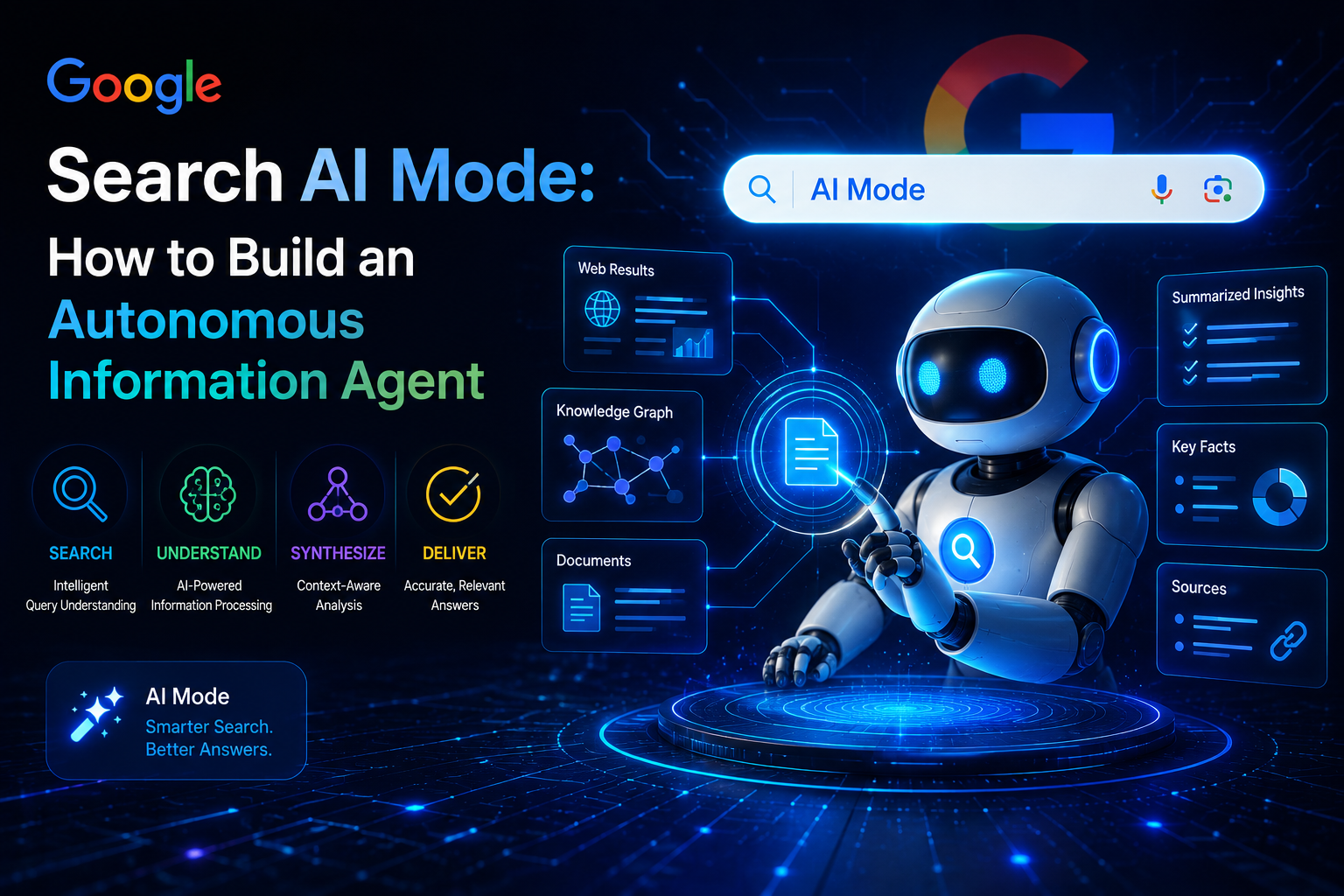
Step-by-Step: How to Build and Deploy Your First Agent
Currently, Information Agents are rolling out in AI Mode for Google AI Pro and Ultra subscribers. They can be built entirely using natural language directly within the reimagined Google Search box.
Step 1: Open the Intelligent Search Box
Navigate to Google Search on your desktop, mobile app, or Chrome browser. If you have access, you’ll notice the new expanded, dynamic AI search box designed to handle complex, multi-modal inputs.
Step 2: Use "Trigger Phrases" to Initiate the Agent
To tell Gemini that you are building a persistent background agent rather than executing a one-time search, you must start your prompt with specific trigger phrases.
The most common triggers include:
"Keep me updated on..."
"Alert me when..."
"Monitor [X] and notify me if..."
Step 3: Define Your Agent's Constraints and Intent
An agent is only as good as its instructions. To prevent spam and get high-quality updates, define clear parameters, sources, and thresholds.
Plaintext
[Trigger Phrase] + [Subject] + [Constraints] + [Action/Frequency]
Weak Prompt:"Keep me updated on cheap flights to Tokyo."
Strong, Agentic Prompt:"Keep me updated on roundtrip flights from JFK to Tokyo (HND or NRT) under $900 for October. Scan airlines and travel blogs 24/7. Send me an instant push notification only when a price matches this threshold."
Step 4: Refine the Agent (Human-in-the-Loop)
Once you enter the prompt, Google AI Mode will spin up a draft structure of your agent. It will present its understanding of your constraints. You can easily adjust the parameters, toggle connected data sources, or add files (like a screenshot of a specific product style you want it to match).
Step 5: Deploy and Manage Your Agents
Click Save & Activate. Your agent is now running on Google's cloud infrastructure. You don't need to keep your laptop open or leave Chrome tabs running.
To manage, pause, or delete your active agents, head over to the Agent Dashboard inside Google Search AI Mode, where you can see live tracking progress and past alerts.
Technical Architecture: What Happens Behind the Scenes?
If you are a developer or technologist, understanding how Google manages to run millions of these agents concurrently without breaking the web is fascinating:
Gemini 3.5 Flash Orchestration: Google's latest Flash model runs up to four times faster than previous iterations. Its core architecture is specifically optimized for "agentic reasoning" and rapid query processing.
Query Fan-Out & RAG: When an agent checks for updates, it doesn't just hit a single database. It decomposes your prompt into multiple parallel sub-queries (a process called query fan-out), searching Google's massive Search Index, Shopping Graph, and Knowledge Graph simultaneously.
The Antigravity Harness: Google's Antigravity platform serves as the control harness for these agents, allowing them to complete long-horizon tasks (like continuously checking web updates over weeks) securely.
3 Essential Use Cases for Information Agents
To get the most out of Google's new agentic environment, try building agents for these three common workflows:
1. The Deal Finder (Shopping Agent)
Instead of manually checking retail sites for limited drops, configure your agent to monitor brand catalogs, social feeds, and secondary marketplaces.
Prompt:"Alert me the instant any retailer drops the Sony WH-1000XM5 headphones below $280. Check retail marketplaces and shopping comparison graphs."
2. The Competitive Intelligence Agent (Business)
Keep tabs on competitor updates, press releases, or industry regulation changes without doing daily manual searches.
Prompt:"Monitor regulatory filings and news sites for any new artificial intelligence compliance laws passed in the EU. Send me a synthesized weekly digest every Friday morning."
3. The Travel & Event Tracker
Snag tickets to concerts or track hotel rates the moment they fluctuate.
Prompt:"Keep me updated on ticket availability for [Artist Name]’s upcoming tour at the Madison Square Garden venue. Alert me the second pre-sale links or general admission listings go live under $150."
The Future of Search: Pull to Push
The introduction of Google Search AI Mode marks the definitive transition from a pull-based discovery model to an agent-driven push model.
As these autonomous assistants become standard, the way we interact with information is changing forever. Instead of spending hours scouring the internet for answers, we will spend our time defining the rules for the AI agents that find those answers for us.
Tags
#AI #GoogleSearchAI #GoogleAI #SearchAI #AIAgents #AutonomousAgent #InformationAgent #AgenticAI #AIAutomation #ArtificialIntelligence #GenerativeAI #MachineLearning #LLM #AIWorkflows #AIProductivity #GoogleSearch #SearchTechnology #AIInnovation #DigitalTransformation #EnterpriseAI #TechNews #FutureTech #AITrends #AISEO #SEO #SearchEngineOptimization #AI2026