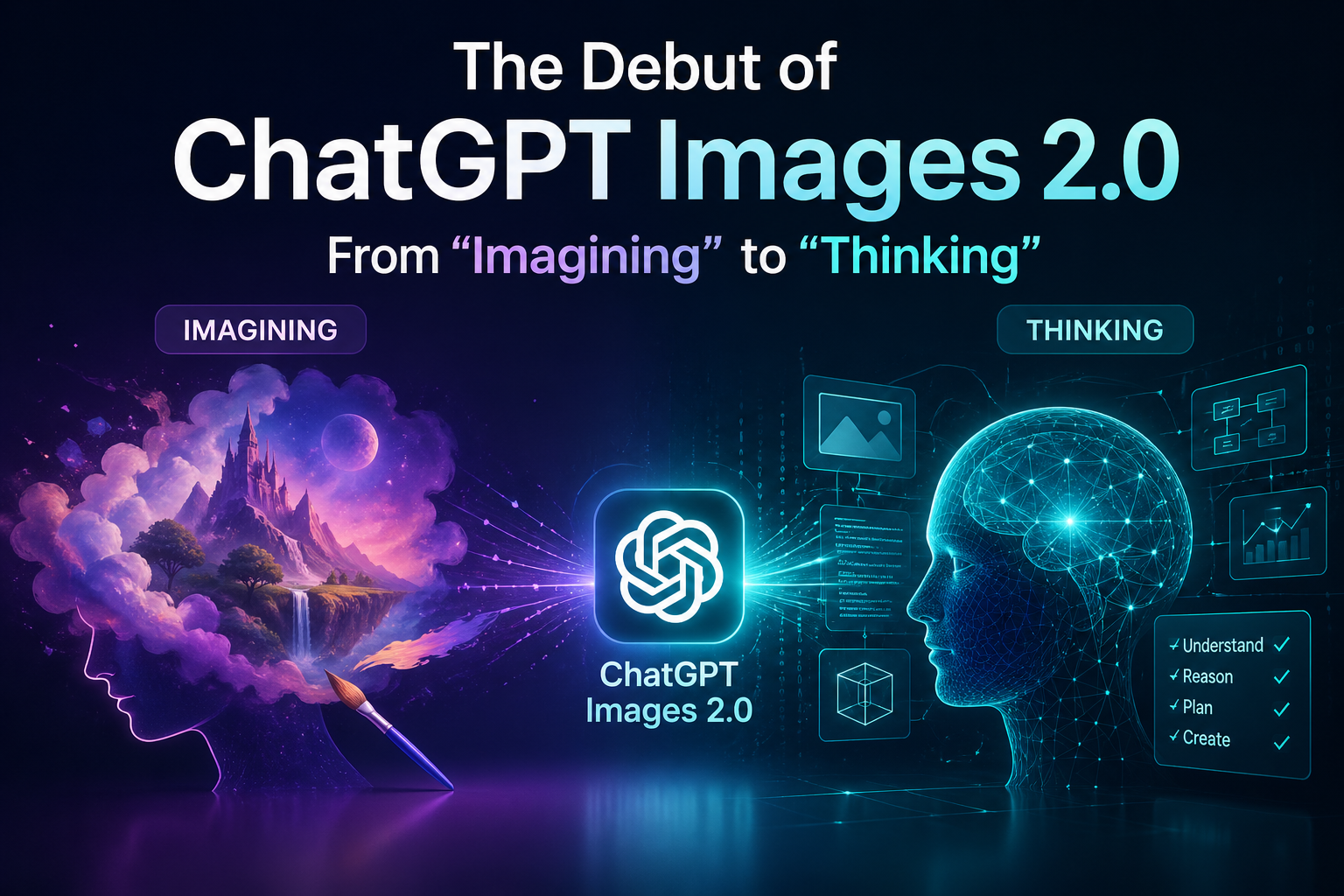
The AI landscape just shifted again. This week, OpenAI officially pulled back the curtain on ChatGPT Images 2.0, a massive leap from the prompt-and-pray era of DALL-E 3. While we’ve grown used to AI that can "draw," Images 2.0 is the first model that can actually think about what it’s creating before the pixels hit the canvas.
If you’ve spent the last year wrestling with garbled text or "AI-hallucinated" fingers, this update is the answer to your prayers. Here’s a breakdown of why Images 2.0 is the new gold standard for creators and pros alike.
1. "Thinking" Before Printing
The most revolutionary feature of Images 2.0 is Reasoning Mode. When you toggle on the "Thinking" or "Pro" models, the AI doesn't just generate an image instantly. It pauses to:
Search the Web: Need an accurate 2026 fashion trend or a specific piece of hardware? It browses for real-time references first.
Plan the Layout: It maps out complex compositions, ensuring that "a cat sitting on a laptop next to a steaming latte" doesn't end up with the cat's tail inside the coffee.
Self-Correct: The model actually "double-checks" its own output, catching common errors like spelling mistakes or anatomical glitches before you even see the result.
2. Multi-Image Coherence: The "Comic Book" Killer
One of the biggest frustrations with AI has been consistency. If you created a character in one image, they’d look like a different person in the next.
Images 2.0 introduces Reference IDs and batch generation. You can now generate up to eight images at once from a single prompt. Whether you’re building a storyboard, a comic strip, or a brand campaign, the characters, objects, and lighting stay consistent across the entire set.
3. Professional-Grade Precision
OpenAI has moved away from the "dreamy" AI aesthetic to focus on high-utility visuals.
Multilingual Text: It finally masters non-Latin scripts, rendering crisp, accurate text in Hindi, Chinese, Korean, and more.
Flexible Aspect Ratios: From ultra-wide 3:1 banners for websites to 1:3 vertical posters for mobile, the canvas is finally yours to control.
2K Resolution: Standard outputs are now sharper, denser, and ready for professional print and digital displays.
Comparison: What’s New?
Feature DALL-E 3 (Legacy) ChatGPT Images 2.0
Logic Instant inference Reasoning & Thinking
Batching 1 image at a time Up to 8 coherent images
Text Hit-or-miss Pixel-perfect (Multilingual)
Resolution 1024px Up to 2K
Web Access None Live search for references
4. Integration: Creative Studio, Not Just a Chatbox
OpenAI has also launched a dedicated Images Tab in the sidebar. This transforms ChatGPT from a simple chatbot into a visual asset manager. You can now use a "Paintbrush" tool for localized edits (in-painting), swap outfits without changing the subject's face, or even trigger the new Adobe Photoshop plugin for layer-based control directly from your chat.
The Verdict
ChatGPT Images 2.0 marks the transition of AI imagery from a "fun toy" to a "production tool." By adding a "thinking" layer to the creative process, OpenAI has solved the unpredictability that kept AI out of serious professional workflows.
Are you ready to stop prompting and start collaborating? Images 2.0 is rolling out now to all Plus, Pro, and Business users.
Pro Tip: Try the "Thinking" mode for complex infographics. It’s the first time I've seen an AI accurately map out a flowchart without losing its mind halfway through!