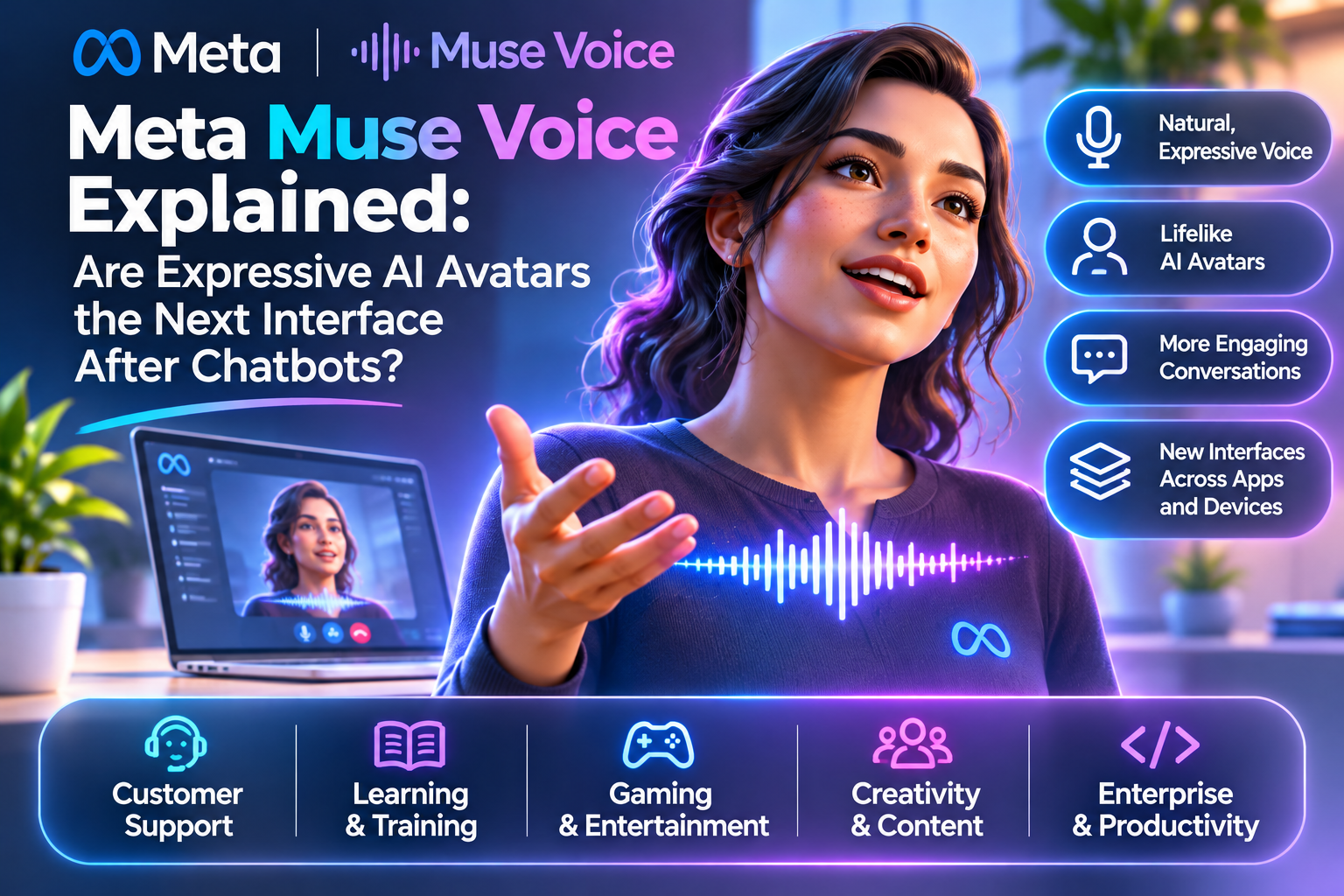
Meta is bringing real-time voice and expressive avatars into the Muse app. It gives people a way to speak, interrupt and choose whether they want voice only or a visible character. The novelty is an interface that can feel present; the test is whether it helps users accomplish a task without confusing a simulation with a person.
Quick Take
- Availability: Meta says the Muse app rollout starts in the United States on mobile, web and Mac.
- Interaction: Users can talk naturally, interrupt, change voices and choose an avatar view.
- Next surfaces: Voice conversations for AI glasses and Muse Charm are described as coming later.
- Risk: Expressive faces and voices require consent, clear AI disclosure and an easy way to switch to text.
What launched in Meta Muse?
Meta’s 5 November announcement says voice and expressive avatars are rolling out to the Muse app in the US. The interface can show a character reacting while listening and speaking. A user can select voice-only, a smaller avatar alongside the conversation or a full-screen view. Those choices matter because an animated face should be an optional way to interact, not a requirement for getting assistance.
Meta points to brainstorming, trip planning and rehearsal as use cases. The app’s voice interface begins on mobile, web and Mac; AI glasses and Muse Charm are mentioned as future destinations. An announcement about a wearable roadmap is not evidence that those products already offer the same feature or regional availability.
How can a real-time avatar respond as you speak?
Meta’s research description connects real-time speech with avatar animation. A stream representing speech timing and delivery informs both audio generation and visual motion so facial expressions and gestures stay in step. This is different from attaching a prerecorded talking head to a chatbot answer. Latency, interruption handling and visual consistency must work together for a convincing conversation.
The model may still misunderstand a user or show an expression that does not fit the content. A smile during a serious complaint can harm trust even if the words are technically correct. Teams should evaluate speech recognition, turn-taking, the accuracy of task actions and the appropriateness of gestures separately. Delight in a demo is not evidence of reliability for sensitive decisions.
Where could avatar interfaces add value?
A language learner may benefit from conversational practice, and a customer-service user may prefer an explanation spoken with a visible guide. Interview rehearsal can give someone a more realistic practice setting. Accessibility can improve if hands-free voice, captions and a reliable text option are available together rather than assuming every user wants to watch a face.
For a business, the best design question is whether an avatar improves a measured task: completion rate, understanding, user control or fewer handoffs. Compare it with a plain voice and text interface on the same task. If extra animation adds delay or hides an uncertain answer behind lifelike expressions, a simpler interface may be better.
What trust boundaries should designers build?
An expressive agent can make an automated response feel emotionally authoritative. Make its AI identity clear, distinguish suggestions from completed actions and require confirmation for purchases, messages or changes to a user’s accounts. Avoid cloning a person’s face or voice without documented rights and consent. Protect recordings and transcripts with limited retention and access.
Support interruptions, captions, a visible way to mute and a text fallback. Test real conditions such as background noise, weak networks, speech differences and a user choosing no avatar. If an organization deploys this interface in health, education or finance, evaluate the actual use case and supervision requirements rather than assuming a friendly character makes the advice safe.
Text chatbot, voice agent or expressive avatar?
Choose a surface for the user’s task, not because a face is available.
| Interface | Best fit | Main failure to test |
|---|---|---|
| Text chat | Searchable, quiet and precise answers. | Long interactions that overwhelm users. |
| Voice only | Hands-free, quick clarification. | Misheard instructions and privacy in public. |
| Voice + avatar | Practice, presence and visual guidance. | Anthropomorphism, lag and expression mismatch. |
Four responsible experiments
Compare confidence and learning with voice-only and avatar sessions.
Test whether explanations resolve issues with fewer escalations.
Offer captions, screen-reader compatibility and an always-available text mode.
Keep recordings optional and disclose how long they are stored.
Copyright, data protection and EU transparency
Only use avatars, voices and likenesses when permission and usage rights are clear. Do not present synthetic speech as a real employee or endorse a product through an imitation of a person. For EU readers, AI Act guidance can inform transparency for AI interactions and synthetic content, while GDPR principles inform how voice and transcript data should be handled.
MaGeN-AI View
Presence is useful only when it preserves agency
Muse Voice signals a move toward conversational characters that react in real time. The winning interface will let people choose how much personality they want while keeping the answer checkable, the controls visible and their own data protected.
Frequently Asked Questions
Where is Meta Muse Voice available?
Meta said its initial November 2026 rollout starts in the US Muse app on mobile, web and Mac.
Can a user turn off the avatar?
Meta describes a choice between voice only, an avatar alongside the conversation and a full-screen avatar.
Is the feature on AI glasses already?
Meta describes voice conversations for AI glasses and Muse Charm as coming later.
Can I interrupt Muse while it speaks?
Meta says users can interrupt during real-time voice conversations.
Should a business copy a real person’s face or voice?
It should use likeness and voice assets only with appropriate rights and consent and disclose AI use clearly.