Breaking the Latency Barrier: Gemini 3.1 Real-Time Vision & Voice
If 2025 was the year AI started "thinking," 2026 is the year it started living in the moment. Google’s latest update, Gemini 3.1, isn't just a smarter chatbot—it’s a native multimodal engine that finally removes the "lag" between seeing, hearing, and speaking.
The standout feature of 3.1 is the Flash Live model, designed specifically for fluid, back-and-forth interactions that feel less like a computer program and more like a FaceTime call with a genius friend.
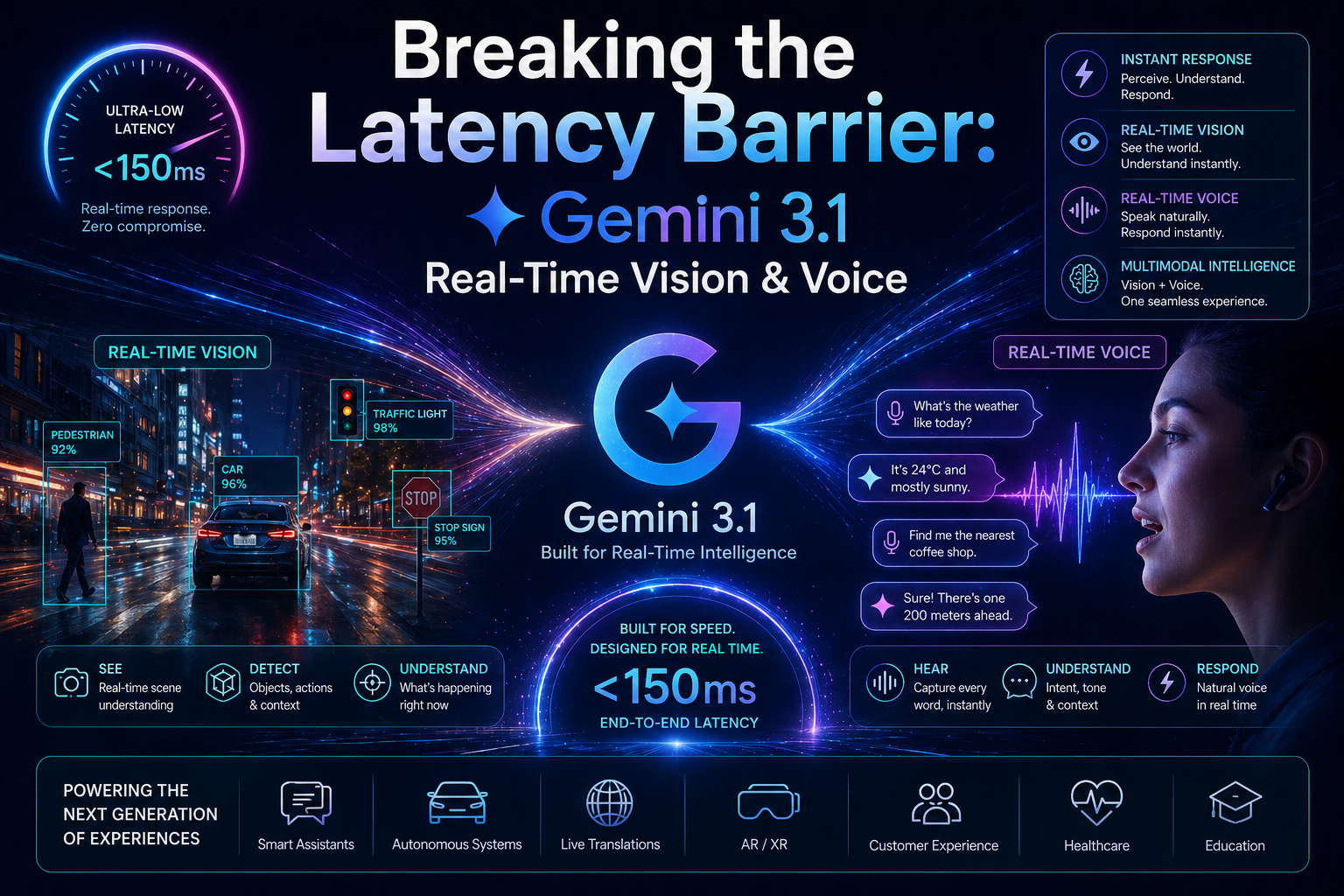
1. Real-Time Vision: Your Screen is its Eyes
In previous versions, you had to take a screenshot and upload it. With Gemini 3.1, the AI can "watch" a live stream of your screen or your camera feed with 10 FPS (frames per second) processing.
Live Troubleshooting: Working on a complex coding bug? Share your screen, and Gemini 3.1 can spot a syntax error as you type it.
Instant Guidance: Point your camera at a car engine or a complex IKEA manual, and it can guide your hands in real-time using voice commands.
2. Flash Live: The End of "Turn-Based" Chat
We’ve all had that awkward moment where the AI keeps talking even though we want to interrupt. Gemini 3.1 solves this with Bidirectional Audio Streaming.
Natural Interruptions: You can cut the AI off mid-sentence, ask a clarifying question, and it will pivot instantly without losing its train of thought.
Tonal Intelligence: It doesn't just hear your words; it hears your tone. If you sound frustrated, it softens its voice. If you’re in a rush, it becomes more concise.
3. Deep Think Mini: Reasoning on the Fly
Gemini 3.1 Pro introduces three levels of "Thinking" (Low, Medium, and High). This allows you to balance speed and logic:
Low: For quick voice tasks like setting reminders or looking up facts.
Medium: For reviewing code or summarizing a live meeting.
High: For intense problem-solving where the AI "pauses" to verify facts before speaking.
Gemini 3.0 vs. Gemini 3.1: The Quick Breakdown
To help you decide which model to use for your next project, here’s the snapshot of the 3.1 upgrade:
Interaction Style:
Gemini 3.0: Turn-based (You talk, it waits, it responds).
Gemini 3.1:Continuous session (Live stream of audio and video).
Response Speed:
Gemini 3.0: Standard Latency.
Gemini 3.1:Near-Zero Latency (Native audio generation).
Visual Capability:
Gemini 3.0: Static image/video uploads.
Gemini 3.1:Live 10 FPS screen and camera sharing.
Reasoning Accuracy:
Gemini 3.0: High.
Gemini 3.1:2.5x Increase in reasoning scores (ARC-AGI-2).
Availability:
Gemini 3.0: All users.
Gemini 3.1:Rolling out now to AI Pro, Ultra, and Enterprise subscribers.
The Verdict
Gemini 3.1 is Google’s answer to the "latency problem." By merging vision and voice into one continuous stream, it’s no longer just a tool you use—it’s an assistant that truly "sees" and "hears" your world as it happens.
Ready to try it? Look for the "Live" icon in your Gemini app or select the 3.1 Pro model in Google AI Studio.
What’s the first thing you’d show Gemini 3.1 through your camera—a broken appliance or a messy piece of code?