Beyond the Chatbox: How to Integrate AI into Existing Legacy Software
For many organizations, AI adoption still begins and ends with a chat interface. A chatbot is added to a website, an internal assistant is rolled out, and the project is declared “AI-enabled.” While conversational AI has value, it barely scratches the surface of what artificial intelligence can do—especially for businesses running on legacy software.
The real opportunity lies beyond the chatbox: embedding AI directly into existing systems to enhance decision-making, automate workflows, and extend the lifespan of critical legacy applications without costly rewrites.
This article explores how to integrate AI into legacy software pragmatically, safely, and with measurable ROI.
Why Legacy Software Still Matters
Legacy systems often get a bad reputation, but they persist for good reasons:
They encode decades of business logic
They are stable and battle-tested
They are deeply integrated with core operations
Replacing them is risky, expensive, and disruptive
Banks, manufacturers, governments, healthcare providers, and logistics companies all rely heavily on legacy platforms—mainframes, monoliths, on-prem ERPs, or custom-built internal tools.
AI should not be seen as a replacement for these systems, but as a capability layer that augments them.
Moving Past the “AI = Chatbot” Mindset
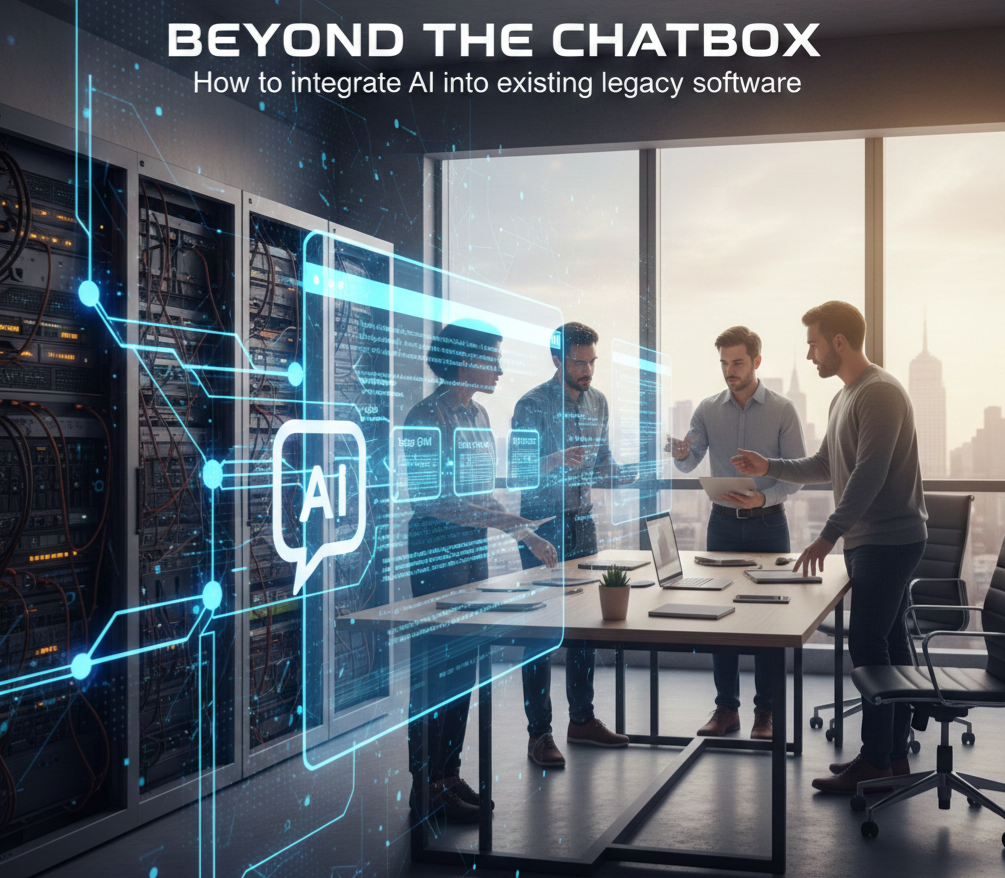
Chatbots are attractive because they are visible and easy to demo. However, they often sit on top of systems rather than inside them.
True AI integration focuses on:
Improving internal processes, not just user interaction
Enhancing data pipelines and decision logic
Automating repetitive or judgment-heavy tasks
Providing intelligence where work actually happens
In many cases, users may not even realize AI is involved—and that’s a sign of success.
Core Integration Patterns for Legacy Systems
1. AI as a Service Layer (API-Driven Integration)
One of the safest ways to integrate AI is to treat it as an external service that communicates with legacy systems via APIs.
How it works:
Legacy system sends structured data to an AI service
AI processes, enriches, or analyzes the data
Results are returned and consumed by existing workflows
Use cases:
Document classification and extraction
Predictive scoring (risk, churn, fraud)
Anomaly detection in logs or transactions
This approach minimizes changes to the legacy codebase while still delivering intelligence.
2. Intelligent Automation Inside Existing Workflows
Many legacy systems rely on rule-based automation: if-else logic, thresholds, and hardcoded conditions. AI can replace or complement these brittle rules.
Examples:
Machine learning models that approve, flag, or route cases
NLP models that categorize tickets or emails
Computer vision models that validate images or scans
Instead of rewriting the workflow engine, AI simply becomes a smarter decision node within it.
3. AI-Enhanced Data Pipelines
Legacy software often produces massive volumes of underutilized data. AI can extract value without changing the front-end application.
Applications include:
Forecasting demand from historical transaction data
Identifying process bottlenecks
Detecting quality issues or operational risks
Here, AI works “behind the scenes,” feeding insights to dashboards, reports, or downstream systems.
4. Augmenting User Interfaces, Not Replacing Them
Rather than building new AI tools from scratch, embed intelligence into existing screens.
Examples:
Suggested actions or next steps for operators
Auto-completed forms based on historical patterns
Contextual alerts with explanations
The UI remains familiar, but becomes significantly more powerful.
Practical Steps to Get Started
Step 1: Identify High-Friction Processes
Look for areas where:
Decisions are slow or inconsistent
Manual effort is high
Rules are constantly being adjusted
Errors are costly
These are ideal candidates for AI augmentation.
Step 2: Start with Data Read-Only Access
Early AI integrations should observe before they act. Begin by:
Analyzing historical data
Running models in “shadow mode”
Comparing AI recommendations with human decisions
This builds trust and reduces risk.
Step 3: Choose the Right AI Approach
Not every problem needs a large language model.
Structured prediction → classical ML
Text-heavy workflows → NLP / LLMs
Visual inspection → computer vision
Optimization problems → reinforcement learning
Matching the technique to the problem is critical.
Step 4: Design for Explainability and Control
Legacy environments often operate under regulatory or compliance constraints.
Ensure that:
AI decisions can be explained or audited
Humans can override AI outputs
Confidence scores or rationales are provided
Opaque systems fail quickly in enterprise settings.
Step 5: Measure Business Impact, Not Model Accuracy
Success is not a better F1 score—it’s:
Reduced processing time
Lower error rates
Increased throughput
Improved customer satisfaction
Tie AI outcomes directly to business KPIs.
Common Pitfalls to Avoid
Big-bang replacements instead of incremental integration
Over-engineering models for simple problems
Ignoring data quality in legacy databases
Treating AI as an IT project instead of a business capability
AI succeeds when it aligns with operational reality.
The Future: Legacy Systems as Intelligent Platforms
The most successful organizations won’t rip out their legacy software. They’ll transform it.
By layering AI on top of existing systems, businesses can:
Extend system lifespan by years
Modernize incrementally
Stay competitive without massive rewrites
The future of enterprise AI is not flashy chat interfaces—it’s quiet, deeply integrated intelligence that makes old systems smarter, faster, and more resilient