Agentic AI in Action: Real Use Cases You Can Copy Today
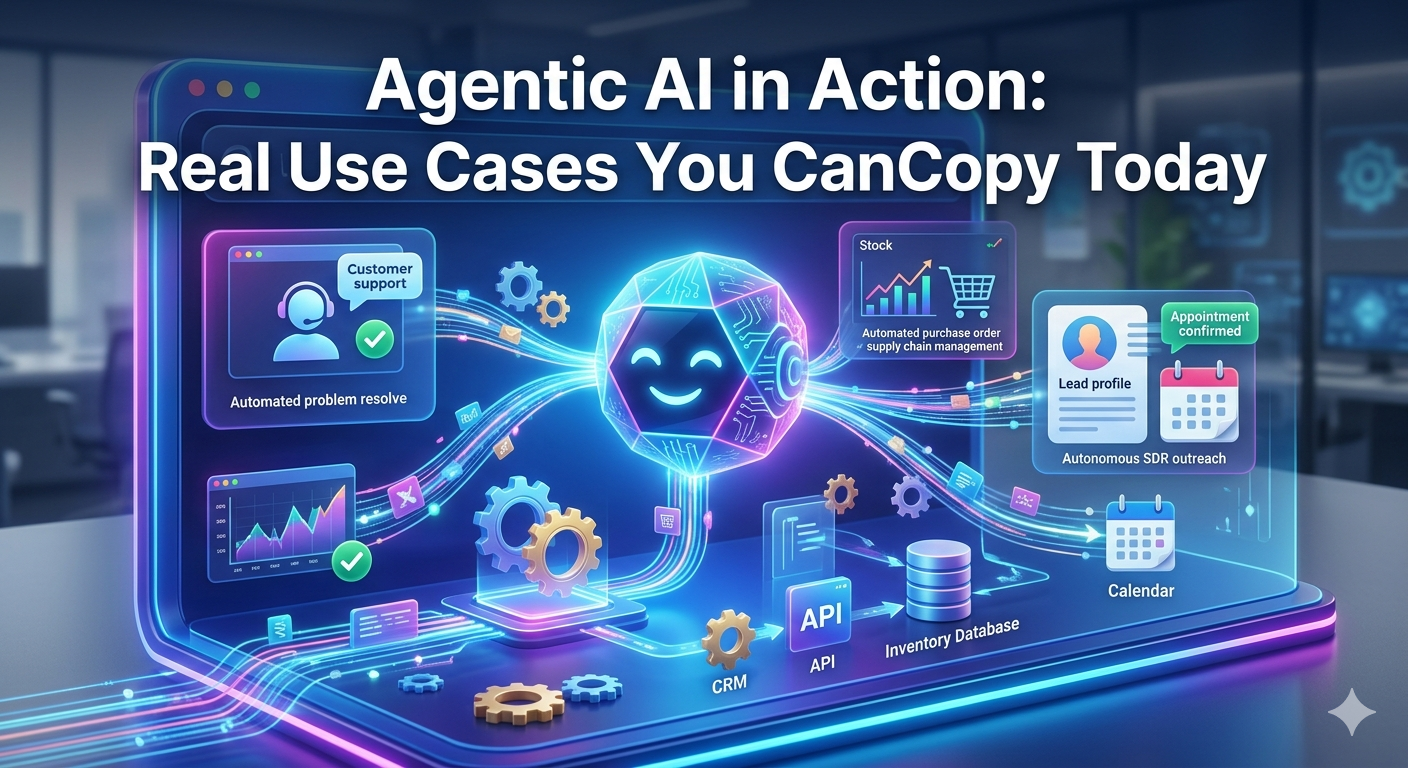
Artificial intelligence is no longer just about answering questions or generating content—it’s increasingly about taking action. Enter agentic AI: systems that don’t just respond, but plan, decide, and execute tasks with minimal human intervention.
If that sounds abstract, don’t worry. This post is all about practical, copyable use cases you can implement today—whether you’re a developer, founder, or just curious about putting AI to work.
What Is Agentic AI (In Plain Terms)?
Agentic AI refers to systems that:
Understand goals
Break them into steps
Use tools or APIs
Execute actions autonomously
Adapt based on feedback
Think less “chatbot,” more “digital coworker.”
1. Inbox Zero Agent (Email Triage + Action)
What it does:
Reads your inbox, categorizes emails, drafts replies, and even takes actions like scheduling meetings.
How it works:
Monitors incoming emails
Classifies them (urgent, FYI, spam, tasks)
Drafts replies or triggers workflows (e.g., calendar booking)
Tools you can use:
Gmail API + OpenAI
Zapier / Make
LangChain or simple function calling
Why it’s powerful:
You reclaim hours every week from repetitive email handling.
Starter idea:
Auto-reply to common queries (pricing, availability)
Flag emails that require human judgment
2. Research Assistant Agent (Deep Web Summarizer)
What it does:
Takes a topic and produces a structured report by searching, reading, and synthesizing sources.
Example use case:
“Analyze the EV truck market in Europe and summarize key competitors.”
Agent workflow:
Break query into subtopics
Search the web
Extract key points
Compile into a report
Stack:
Web search APIs (or browsing tools)
LLM + memory
Optional: vector database for context
Why it’s useful:
Cuts research time from hours to minutes.
3. Sales Outreach Agent (Personalized at Scale)
What it does:
Finds leads, researches them, and sends tailored outreach messages.
Workflow:
Pull leads from LinkedIn or CRM
Enrich with company/person data
Generate personalized email
Send or queue for approval
Example output:
Instead of generic:
“We help companies grow…”
You get:
“I saw your recent expansion into electric fleets—this aligns perfectly with…”
Tools:
Apollo / Clearbit APIs
Email automation tools
GPT-based personalization layer
Impact:
Higher response rates without manual effort.
4. Content Repurposing Agent (1 → 10 Pieces)
What it does:
Turns one piece of content into multiple formats automatically.
Input:
A blog post or video
Outputs:
LinkedIn posts
Twitter threads
Newsletter draft
SEO summary
Short-form scripts
Workflow:
Analyze content
Identify key ideas
Generate platform-specific formats
Schedule or publish
Why it works:
Maximizes content ROI without extra effort.
5. DevOps Assistant Agent (Monitoring + Fix Suggestions)
What it does:
Monitors logs, detects anomalies, and suggests or applies fixes.
Example:
Detects API latency spike
Investigates logs
Suggests scaling or config fix
Advanced version:
Automatically rolls back deployments
Opens GitHub issues with root cause analysis
Stack:
Monitoring tools (Datadog, Prometheus)
LLM for log interpretation
Automation scripts
Benefit:
Reduces downtime and debugging time.
6. Personal Productivity Agent (Your Daily Operator)
What it does:
Acts like a personal chief of staff.
Daily flow:
Reviews calendar
Prioritizes tasks
Sends reminders
Prepares meeting briefs
Example output:
“You have 3 meetings today. The 2 PM one lacks an agenda—here’s a suggested outline.”
Optional upgrades:
Integrates with Notion / Todoist
Tracks long-term goals
Suggests time optimization
7. E-commerce Operations Agent
What it does:
Automates product, pricing, and customer interactions.
Tasks:
Monitor competitor prices
Adjust your pricing
Respond to customer queries
Generate product descriptions
Why it’s valuable:
Small teams can operate like large ones.
Key Design Pattern (Steal This)
Most successful agentic systems follow this loop:
Goal → Define objective
Plan → Break into steps
Act → Use tools/APIs
Observe → Evaluate results
Adjust → Iterate
You don’t need complex frameworks to start—this can be built with simple scripts and API calls.
Common Mistakes to Avoid
Over-automation too early: Keep humans in the loop initially
No guardrails: Always validate outputs before execution
Too broad goals: Start with narrow, well-defined tasks
Ignoring cost: Agents can loop—set limits
How to Get Started (Today)
If you want a quick win:
Pick a single repetitive task
Define a clear outcome
Give the AI:
Context
Tools (APIs)
Boundaries
Run it with supervision
Gradually increase autonomy
Final Thought
Agentic AI isn’t about replacing humans—it’s about amplifying execution. The real shift is this:
Instead of asking AI for answers, you’re assigning it responsibilities.
Start small. Automate one workflow. Then expand.
If you do it right, you won’t just save time—you’ll fundamentally change how work gets done.